
Features · Capture
Any time
Capture the thought. Keep your place.
The task you don't write down is the one that interrupts you later. Writing it down should take two seconds.
No card needed. Cancel anytime.
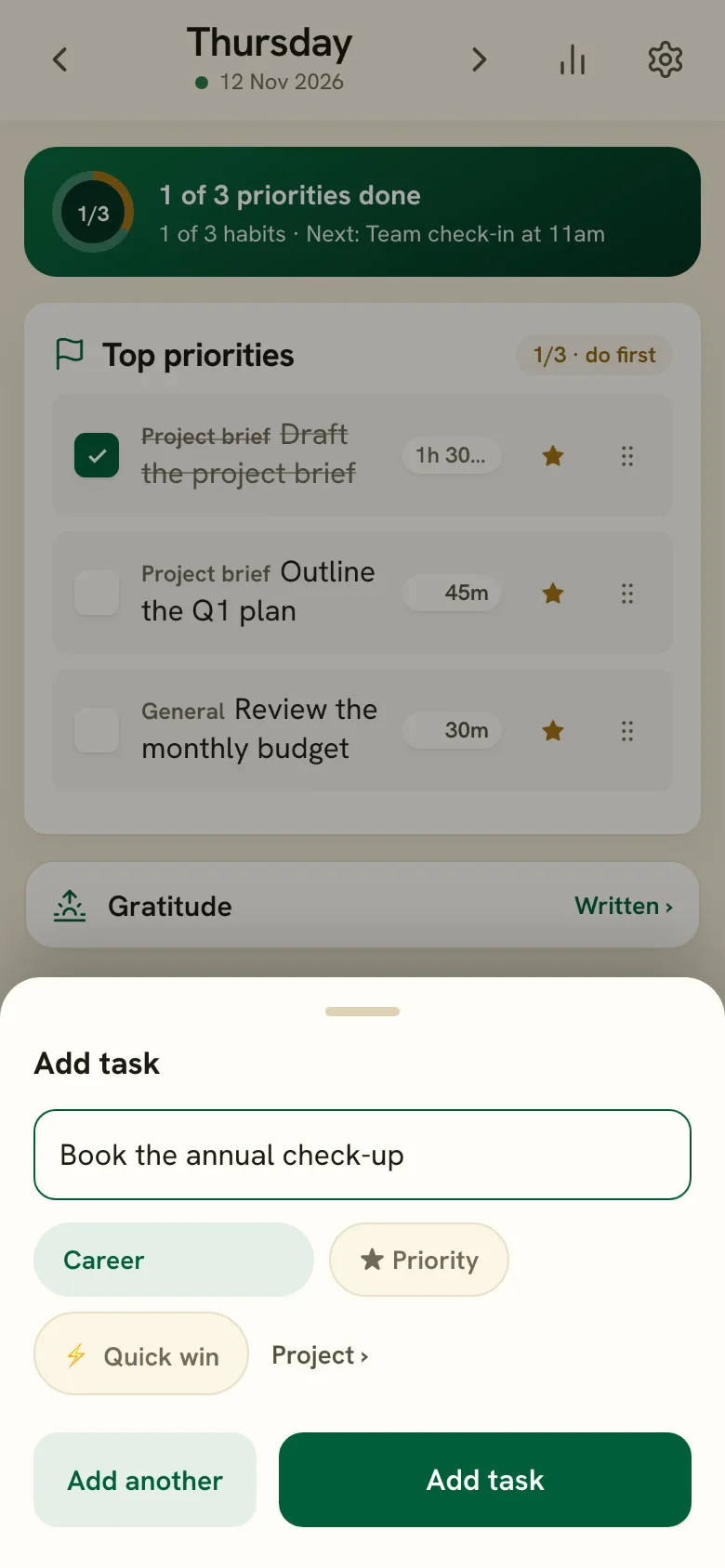
What it does
One button on the phone
A plus button sits on every tab. One field, the last category remembered, and Enter adds and waits for the next.
⌘K on a computer
Press Command-K (Ctrl-K on Windows), type the task and press Enter. The same box jumps to Today, the weekly review, Plan or Settings.
By voice, with Siri
Set up the Shortcut once in Settings. Then say the phrase and the task lands in your inbox without opening the app.
Sorted later, not now
What Siri captures waits in an inbox above your tasks. File each one, as a priority or a quick win if it is one, when you plan the day.
How it fits the day
Two seconds, whenever a thought arrives. It is waiting when you plan tonight.
Start tonight
Tomorrow is decided tonight.
Five minutes, three priorities, and a morning that already knows what to do. The first fourteen days are free.
No card needed · Cancel anytime